×
- Hello
- Login or Register
- Quick Links
- Live Chat
- Track Order
- Parts Availability
- RMA
- Help Center
- Contact Us
- Shop for
- Mazda Parts

My Garage
My Account
Cart
Genuine Mazda MX-5 Miata Car Bulbs
- Select Vehicle by Model
- Select Vehicle by VIN
Select Vehicle by Model
orMake
Model
Year
Select Vehicle by VIN
For the most accurate results, select vehicle by your VIN (Vehicle Identification Number).
Filter by Part Type
Filter by Part Type
17 Car Bulbs found
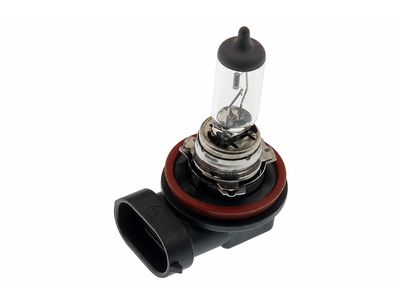
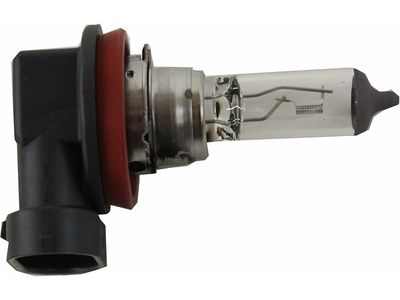
Mazda MX-5 Miata Bulb Part Number: 0000-11-H11
$33.08 MSRP: $44.12You Save: $11.04 (26%)Ships in 1-2 Business Days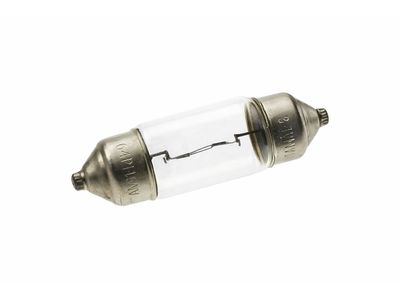
Mazda MX-5 Miata Bulb Part Number: 9970-05-100L
$5.50 MSRP: $7.34You Save: $1.84 (26%)Ships in 1-2 Business Days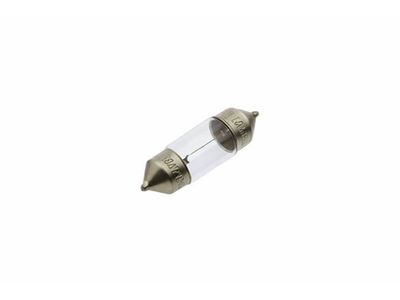
Mazda MX-5 Miata Bulb Part Number: 9970-05-080L
$5.10 MSRP: $6.80You Save: $1.70 (25%)Ships in 1-2 Business Days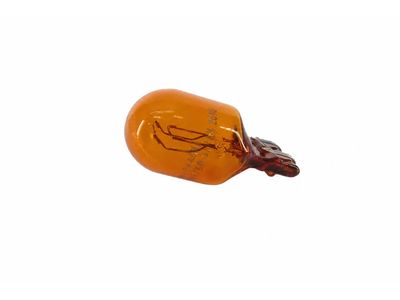
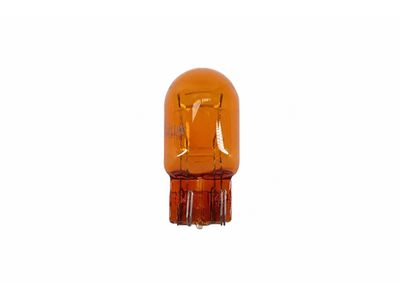
Mazda MX-5 Miata Bulb Part Number: GS3L-51-06Y
$16.18 MSRP: $21.58You Save: $5.40 (26%)Ships in 1-2 Business Days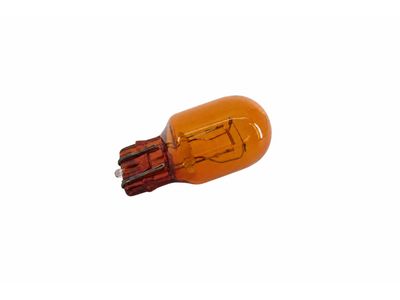
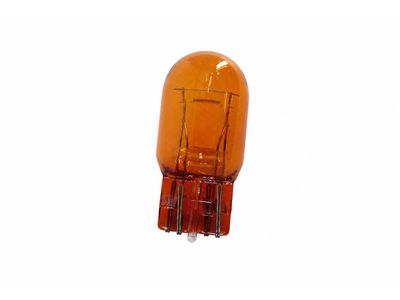
Mazda MX-5 Miata Bulb Part Number: KA0G-51-06Y
$16.55 MSRP: $22.07You Save: $5.52 (26%)Ships in 1-2 Business Days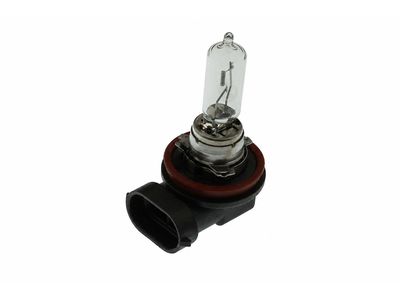
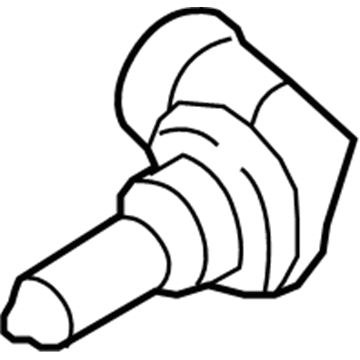
Mazda MX-5 Miata Headlamp Bulb Part Number: 0000-11-0H9
$60.70 MSRP: $80.94You Save: $20.24 (26%)Ships in 1-2 Business Days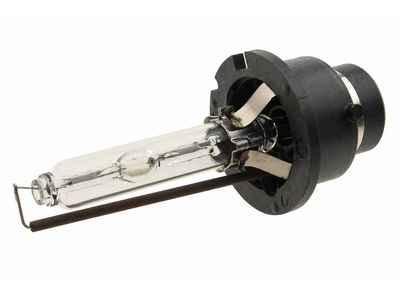
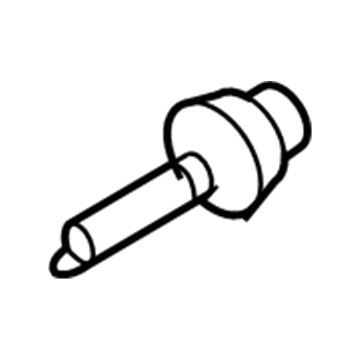
Mazda MX-5 Miata Hid Bulb Part Number: 0000-11-D2S
$312.59 MSRP: $416.86You Save: $104.27 (26%)Ships in 1-2 Business Days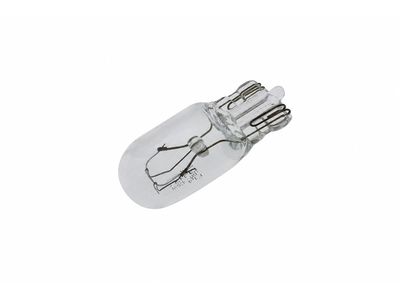
Mazda MX-5 Miata Bulb Part Number: 0000-11-0168
$1.49 MSRP: $1.99You Save: $0.50 (26%)Ships in 1-2 Business Days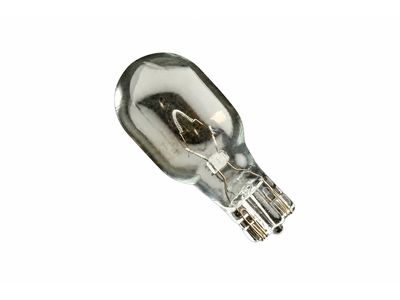

Mazda MX-5 Miata Bulb Part Number: 0000-11-0921
$3.63 MSRP: $4.84You Save: $1.21 (25%)Ships in 1-2 Business Days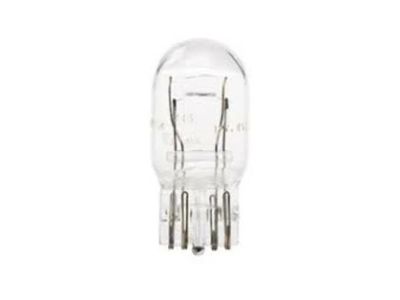
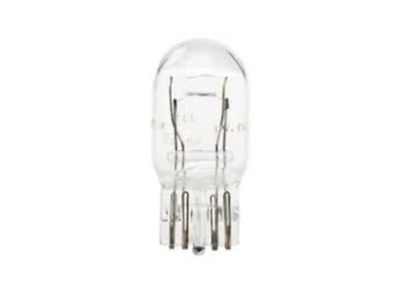

Mazda MX-5 Miata Bulb Part Number: 9970-08-215
$4.24 MSRP: $5.65You Save: $1.41 (25%)Ships in 1-2 Business Days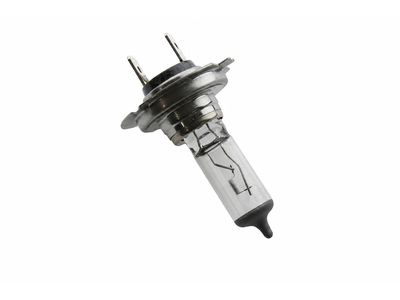
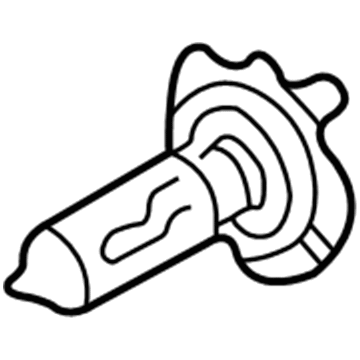
Mazda MX-5 Miata Bulb Part Number: 0000-11-0H7
$28.46 MSRP: $37.96You Save: $9.50 (26%)Ships in 1-2 Business Days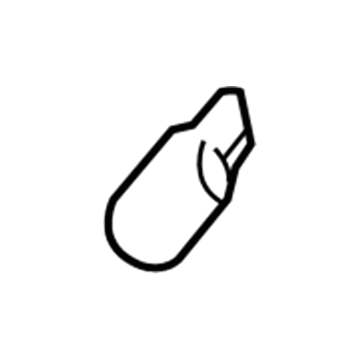
Mazda MX-5 Miata Bulb Part Number: 0000-11-0194
$0.56 MSRP: $0.74You Save: $0.18 (25%)Ships in 1-2 Business Days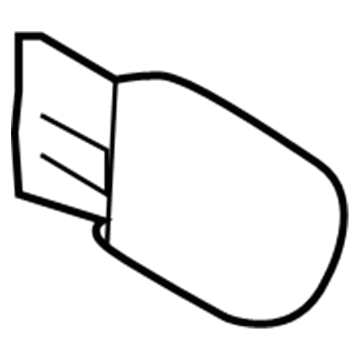
Mazda MX-5 Miata Bulb Part Number: 9970-06-210Y
$5.39 MSRP: $7.19You Save: $1.80 (26%)Ships in 1-2 Business Days
Mazda MX-5 Miata Bulb Part Number: C236-46-215
$6.90 MSRP: $9.19You Save: $2.29 (25%)Ships in 1-2 Business Days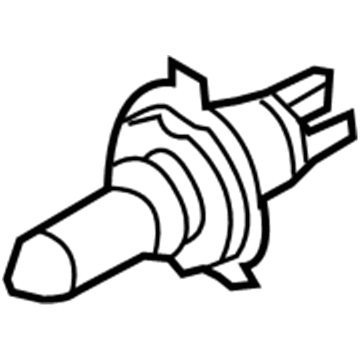
Mazda MX-5 Miata Hid Bulb Part Number: BBY6-51-06Y
$409.61 MSRP: $550.65You Save: $141.04 (26%)Ships in 1-2 Business Days
Mazda MX-5 Miata Bulb Part Number: 9970-06-210
$3.50 MSRP: $4.67You Save: $1.17 (26%)Ships in 1-2 Business Days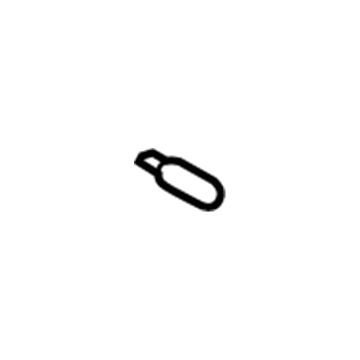
Mazda MX-5 Miata Bulb Part Number: B456-60-223
$3.88 MSRP: $5.16You Save: $1.28 (25%)Ships in 1-2 Business Days
Mazda MX-5 Miata Car Bulbs
Looking for Car Bulbs with proven quality? Choose OEM Car Bulbs. Mazda designs and builds them to strict factory specs. Every piece goes through rigorous quality checks. You'll get parts that fit right and work like new. Shop our huge inventory of OEM Mazda MX-5 Miata parts. Enjoy the highly competitive prices online. Our site is your one-stop shop. Each genuine MX-5 Miata part includes a manufacturer's warranty. Buy with confidence. Our return policy is simple and hassle-free. In a rush? Choose expedited delivery at checkout. You'll love the streamlined experience from search to checkout to receiving your order.
Mazda MX-5 Miata Car Bulbs Parts and Q&A
- Q:How to replace car bulbs on Mazda MX-5 Miata?A:On the 2005 and older models, when changing the front turn signal and the parking light, open the hood, locate the back of the light assembly, and counterclockwisely twist the light bulb holder and remove it. To install the bulb, insert it in the socket and rotate it against the clock to take out and vice versa. Removing side marker lights To remove a lamp assembly screws, pull out the lamp assembly, and counterclockwise twist the bulb socket to take it out, and replace the bulb. With rear brake, turn signal, tail and back-up lights, open trunk lid, then twist the socket counterclockwise and take it off followed by replacing the bulb. In the case of the license plate light, one has to open the trunk lid, turn the socket counter-clockwise, and then change the bulb. In the case of the high-mounted brake light, the process will be similar to the license plate one. In the case of interior and trunk lights, remove the light lens and change the bulb. In order to change the instrument cluster illumination light, get the instrument cluster off and change the back bulb. In 2006 and subsequent models, to change the front turn signal bulb, loosen lug nuts holding the front wheel, lift the vehicle, take off the front wheel and pull down the splash shield to expose the Headlight housing. Disenconnect electrical connector, take off bulb socket and change bulb. Proceed with the same to front parking bulb and front sidemarker bulb. In the case of the fog/driving light bulb, it is no different, just follow the steps to reach it and change it. The instructions are to open the trunk lid, disconnect the element of the electrical lead and pull off the mounting clips on the center high-mount brake light assembly. On brake light/taillight, rear turn signal and back-up light bulbs, access the trunk lid, then loosen the trim, turn the socket counterclockwise and change the bulb. In case of a license plate light bulb one would slide the housing and unscrew the bulb. In case of map or trunk light bulbs, remove the lens, change the bulb and make sure that the lens clips in.
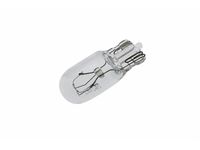
Related Mazda MX-5 Miata Parts
 Mazda MX-5 Miata Daytime Running Lights
 Mazda MX-5 Miata Fog Light
 Mazda MX-5 Miata Headlight
 Mazda MX-5 Miata Headlight Bulb
 Mazda MX-5 Miata Headlight Cover
 Mazda MX-5 Miata Headlight Screws
 Mazda MX-5 Miata License Plate Lights
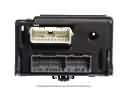 Mazda MX-5 Miata Lighting Control Module
 Mazda MX-5 Miata Side Marker Light
 Mazda MX-5 Miata Tail Light
 Mazda MX-5 Miata Tail Light Lens
 Mazda MX-5 Miata Turn Signal Lights